If you’ve ever scrolled through TikTok and laughed out loud at a video, chances are a funny sticker played a big role. Stickers are one of the most powerful ,and underused ,tools for making TikTok content that’s engaging, shareable, and yes, viral.
In this guide, you’ll learn everything about funny TikTok stickers: what they are, where to find the best ones, how to add them to your videos, and how to use them strategically to boost your views and engagement in 2026.
What Are TikTok Stickers?
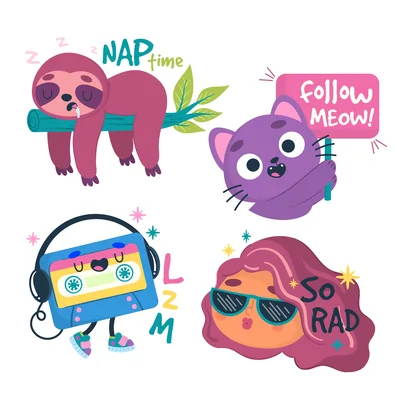
TikTok stickers are animated or static graphic overlays you can place directly on your videos during editing. They range from reaction emojis and meme-style text bubbles to GIF-like animations and trending visual jokes.
Think of them as the digital equivalent of putting a speech bubble on a photo ,except way more fun, and with the potential to make your content instantly more relatable and shareable.
Types of TikTok Stickers:
- Reaction stickers : expressions like shocked face, laughing, eye-roll
- Text bubble stickers : “POV:”, “Wait for it…”, “No way”
- Meme stickers : trending internet meme formats adapted for video
- Aesthetic stickers : cute, Y2K, retro, or neon-style decorative stickers
- Countdown/interactive stickers : polls, Q&A, quizzes
- Holiday & seasonal stickers : limited-time trending stickers
Why Funny Stickers Boost TikTok Engagement
Before diving into the “how,” it’s worth understanding the “why.”
TikTok’s algorithm rewards watch time and interaction. Funny stickers contribute to both:
- They hook viewers in the first 2 seconds : a well-placed sticker creates immediate curiosity or humor before you even say a word.
- They increase rewatch rate : people rewatch videos to catch a sticker they missed or to share the joke with friends.
- They drive comments : stickers that say things like “tag someone who…” or “which one are you?” directly invite engagement.
- They make content feel native : stickers signal that you understand TikTok culture, which builds trust with both the algorithm and your audience.



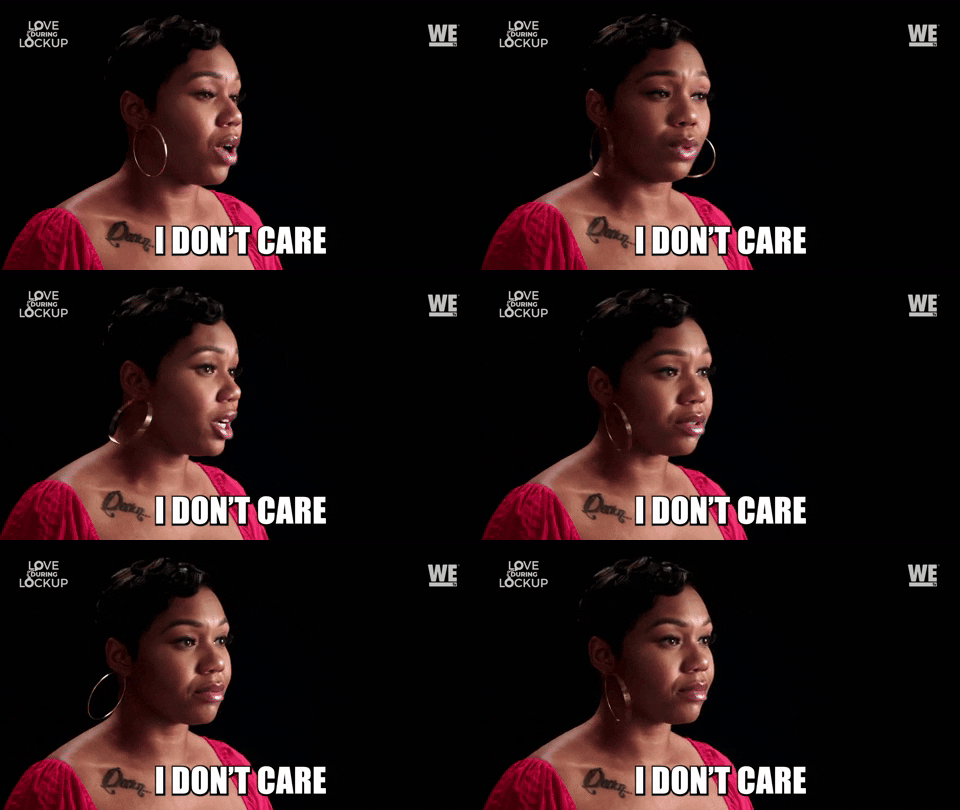
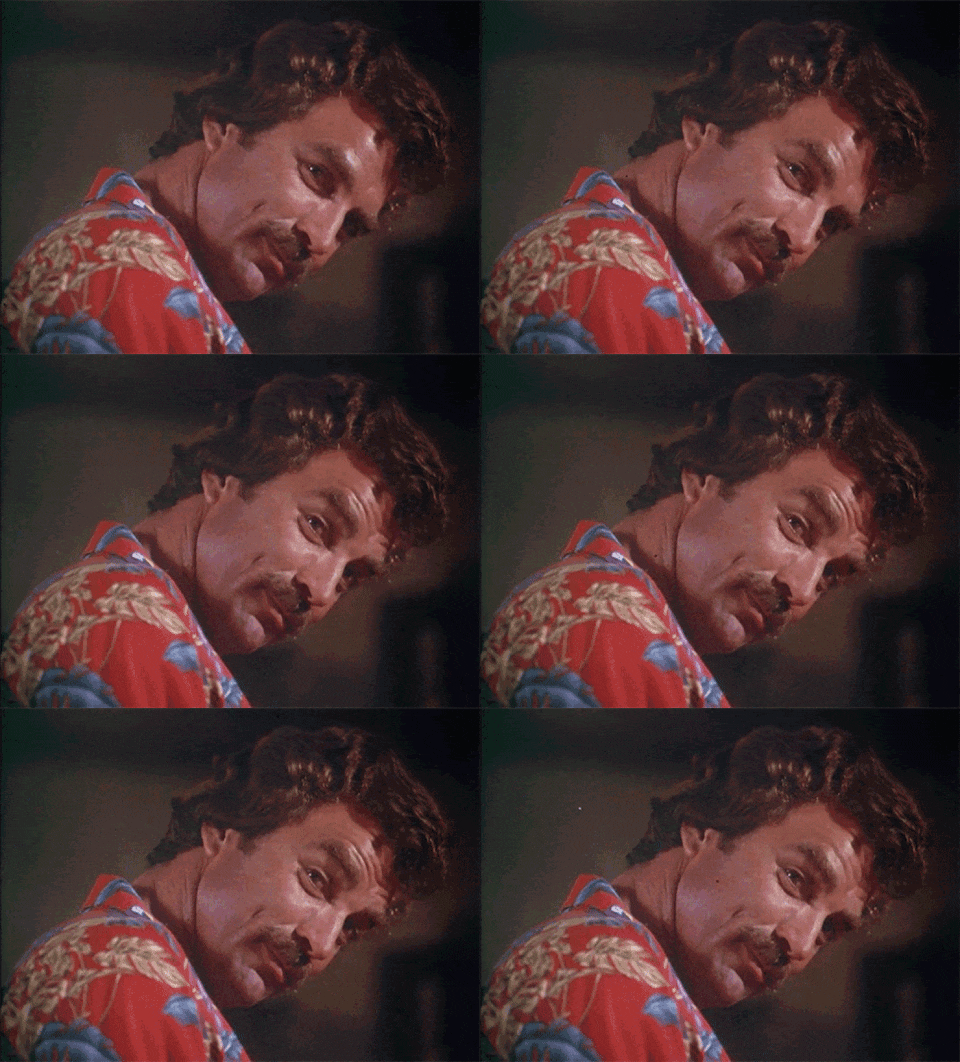
Top 10 Funny TikTok Sticker Categories in 2026
Here are the sticker types that are trending and performing best right now:
1. “POV:” Stickers
The classic Point-of-View format is still going strong. A sticker that reads “POV: You just said something embarrassing” paired with a reaction clip is an evergreen comedy format.
2. “Wait For It” Stickers
These build suspense and increase watch time. Placing a “Wait for it 😂” sticker at the start of your video tells the viewer something funny is coming ,and they’ll stay to find out.
3. Dramatic Zoom + Reaction Stickers
Combine a dramatic zoom-in effect with a shocked face sticker for instant comedic timing. This format gets huge replays.
4. Sarcastic Text Bubble Stickers
Stickers with sarcastic text like “Totally fine 😊”, “Not me doing this again”, or “Normal behavior” add layer of humor to everyday situations.
5. “Things That Live Rent-Free in My Head” Stickers
This format invites relatability ,which is the #1 driver of shares on TikTok.
6. Ranking / Tier Stickers
Funny ranking stickers let you judge things (foods, habits, opinions) humorously. Great for series content.
7. “Main Character” Stickers
Self-aware humor about being the main character in your own story is consistently popular across all age groups.
8. Chaos Animal Stickers (cats, dogs, raccoons)
Animal-themed sticker packs ,especially cats with dramatic expressions ,are reliably funny and widely saved.
9. Retro/Vintage Filter Stickers
Old-school aesthetic stickers placed over modern situations create a funny contrast that performs well with Gen Z.
10. Exaggerated Countdown Stickers
“In 3… 2… 1…” stickers dramatically build anticipation for a punchline, boosting your completion rate.
How to Add Stickers to Your TikTok Videos (Step-by-Step)
Adding stickers on TikTok is easy ,here’s exactly how to do it:
Method 1: Using TikTok’s Built-in Stickers
- Record or upload your video in the TikTok app
- Tap the checkmark to proceed to the editing screen
- Tap the Stickers icon (smiley face) in the right-side toolbar
- Browse categories: Trending, Reactions, Static, Animated
- Tap a sticker to add it to your video
- Drag it to your desired position
- Pinch to resize it
- Tap the sticker and drag the timeline bar at the bottom to set when it appears and disappears
- Hit Post when done
💡 Pro Tip: Use the timeline bar to time your sticker reveal for maximum comedic effect ,right before the punchline.
Method 2: Adding Custom Stickers from Outside TikTok
Want stickers that aren’t in TikTok’s library? Here’s how:
- Find or create your sticker (see sources below)
- Save it as a PNG with transparent background
- Edit your video in a third-party app like CapCut, VN, or InShot
- Add the PNG as an overlay layer
- Export the video and upload to TikTok
This method gives you full creative control and lets you use viral meme stickers, custom brand stickers, or unique designs your competitors don’t have.

Where to Find the Best Funny TikTok Stickers
Here are the best free and paid sources for sticker packs in 2025:
| Source | Type | Cost |
|---|---|---|
| TikTok built-in library | Animated + static | Free |
| Canva | Customizable sticker packs | Free / Pro |
| Giphy | GIF stickers | Free |
| Etsy | Unique creator-made packs | Paid ($2–$15) |
| Creative Market | Premium sticker bundles | Paid |
| Inspiration + free PNG packs | Free | |
| Freepik | High-quality vector stickers | Free / Pro |
💡 Pro Tip: Search “TikTok sticker pack PNG transparent” on Pinterest or Google Images for instant downloadable options.
How to Use Funny Stickers Strategically (Not Just Decoratively)
Most creators use stickers as decoration. Smart creators use them as engagement tools. Here’s the difference:
✅ Do This:
- Place a “Wait for it” sticker in the first frame to hook viewers immediately
- Use reaction stickers at the exact moment of the punchline for comedic timing
- Add a question sticker (“Which one are you? 👇”) to prompt comments
- Use a “save this” sticker to remind viewers to bookmark your video
- Match sticker style to your niche ,humor is different for cooking, fitness, finance, etc.
❌ Avoid This:
- Overcrowding your video with too many stickers (more than 3–4 is usually too much)
- Using generic stickers that don’t add meaning or humor
- Placing stickers where they cover important visual content
- Using stickers that conflict with your brand aesthetic
Trending Funny Sticker Formats to Try This Week
If you want to jump on current trends, try these formats right now:
- “Tell me without telling me” sticker : relatable humor format
- “Therapist said to journal…” sticker : mental health humor trending strongly
- “The audacity” sticker : reaction humor to outrageous situations
- “It’s giving [blank]” sticker : Gen Z slang adapted to visual format
- “Villain era” sticker : empowerment + humor crossover
Check TikTok’s Discover page and Creative Center regularly for the newest trending sticker formats.
Create Your Own Funny TikTok Stickers
Want to stand out with 100% original stickers? Creating your own is easier than you think.
Tools to Make Custom Stickers:
- Canva : Drag-and-drop sticker maker, export as PNG with transparent background
- Adobe Express : Professional quality, free plan available
- Procreate (iPad) : For illustrated, hand-drawn sticker style
- Remove.bg : Remove backgrounds from photos to turn them into stickers instantly
- Picsart : All-in-one sticker creation and editing
Steps to Create a Sticker in Canva:
- Open Canva → New Design → Custom size (500x500px)
- Set background to transparent
- Add text, emoji, or illustration
- Export as PNG (transparent background)
- Import into CapCut or TikTok as an overlay
FAQ: Funny TikTok Stickers
Do stickers affect TikTok reach?
TikTok has not confirmed stickers directly boost reach, but they improve watch time and interaction rates : both of which are key ranking signals.
Can I use copyrighted characters as stickers?
No. Using copyrighted characters (Disney, Marvel, etc.) without a license can get your video taken down. Stick to original, royalty-free, or properly licensed sticker packs.
What size should stickers be for TikTok?
TikTok videos are 1080x1920px (9:16 ratio). For custom stickers used as overlays, a minimum of 500x500px PNG with transparent background works well.
Are animated stickers better than static ones?
Animated stickers generally attract more attention, but the right sticker at the right moment ,animated or not ,is what matters most.
How many stickers should I use per video?
1–3 stickers is the sweet spot. One primary sticker for your main message or joke, and up to two supporting stickers for timing cues or calls-to-action.
Final Thoughts
Funny TikTok stickers are more than just decoration ,they’re a communication tool, a comedic device, and an engagement driver all in one. When used with intention, they can meaningfully increase your views, rewatch rate, and follower growth.
Start simple: pick one sticker format from this guide, apply it to your next video, and see how your audience responds. Then iterate from there.
The creators who win on TikTok aren’t just funny ,they’re strategic. Now you can be both.
TopQLearn Editorial Team
Expert Analysis & Educational Content