I’ll be honest: I overthought my first video way more than I actually needed to, and most moms I talk to do the same.
We worry about privacy and “perfect” lighting before we even post. In the next few minutes, you will learn exactly how to download the app, set up your account safely, and publish your first video without the stress.
Based on the depth of this roadmap, it will take approximately 13 minutes to read.
Quick Answer: To start TikTok as a stay-at-home mom, follow this 5-step roadmap: 1. Download the official app from the Apple App Store or Google Play Store. 2. Create a secure account with a dedicated email. 3. Configure privacy controls to disable location sharing. 4. Personalize your feed by interacting with “Mom-Tok” content. 5. Record a simple 15-second intro and hit publish.
Phase 0: Getting the App (The First Step)
Before you can explore, you need the right tool.
- Open your App Store: (App Store for iPhone or Google Play Store for Android).
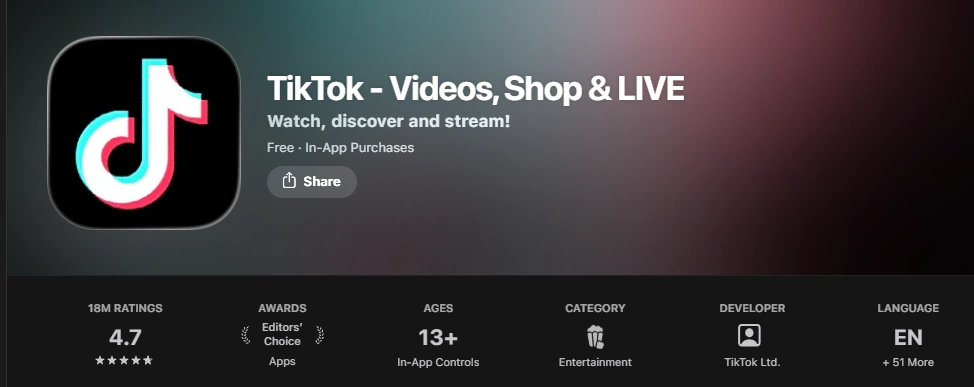
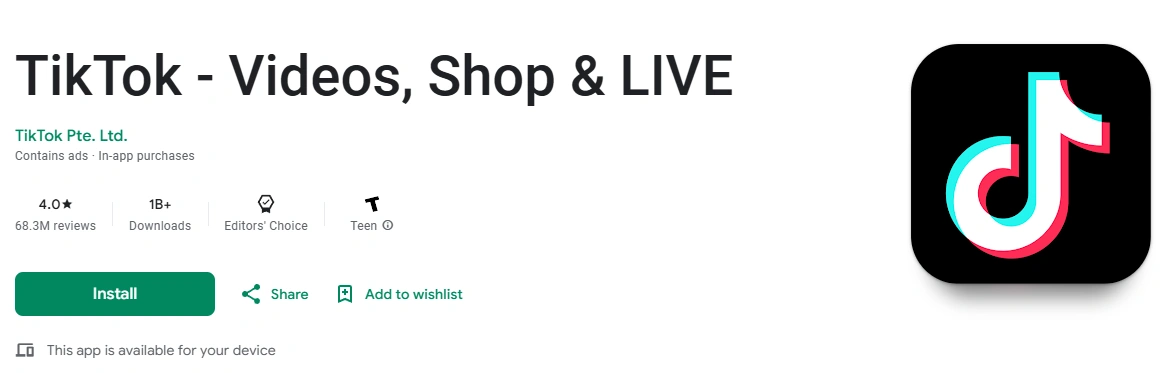
- Search for “TikTok”: Look for the official black icon with the white musical note.
- Check the Developer: Ensure it says “TikTok Ltd.” to avoid unofficial or “pro” versions that may charge fees.
- Install: Tap “Get” or “Install.”
Observation: I’ve noticed some moms accidentally download video editing apps that look like TikTok. Always ensure you have the main social media app first before looking for secondary tools.
Phase 1: Security & Privacy (The Foundation)
Now that the app is on your phone, don’t rush to post. Protecting your home environment is the most important step before you ever record a clip.
Essential Privacy Steps:
- Initial Sign-up: Use a dedicated email address rather than your personal Facebook login. This keeps your family contacts separate from your new hobby.
- Account Privacy: Go to Settings and privacy → Privacy. While keeping your account public helps growth, many moms disable “Location Services” in their phone settings to keep their neighborhood private.
- Comment Filters: Under Privacy → Comments, you can set manual keywords to block specific words.
Phase 2: Technical Setup & Profile
- The Handle: Choose a clear name like
@OrganizedMamaor@CookingWithSarah. - Account Type: Switch to a Business Account (Settings → Account) if you want access to detailed analytics, though availability depends on your region.
- The Bio: Keep it simple. “Sharing easy toddler meals for busy moms.”
Phase 3: Personalizing Your Experience
Instead of trying to “hack” the app, focus on showing the system what you like. Engaging with content in your niche helps personalize your For You feed over time, which is essential before you start posting your own content.
- Search & Watch: Search for “#MomTok” and interact with videos that truly interest you.
- Community Standards: Before you post, it’s helpful to review the official TikTok Community Guidelines to understand the rules of the house.
Phase 4: Posting Your Very First Video
Don’t worry about being a professional editor. Your first video is just a “hello.”
Recording & Classification:
TikTok uses automated systems to categorize content. By using official creative tools and sounds, you help the system classify your videos into specific interest clusters. This ensures copyright compliance and helps your content reach the right audience of other parents naturally.
Step-by-Step Instructions:
- Tap the (+) button at the bottom center of the screen.
- Tap Timer on the right and set it to 15 seconds. This gives you a few seconds to get into position.
- Record your tip (e.g., “Hi! I’m sharing my favorite laundry hack for busy mornings.”).
- Tap Add Sound at the top. Use the official sounds library to ensure your video remains audible and compliant.
Important Limitation (What Most Moms Miss)
- Initial Distribution: In practice, many new accounts see a gradual increase in distribution as the system understands their content style.
- Link in Bio: The ability to add a clickable link is usually region-dependent and often requires reaching 1,000 followers.
- Phone Storage: In February 2026, many creators noted that keeping too many “Drafts” can quickly fill up your phone’s memory.
What This Roadmap Does NOT Control
- Guaranteed Virality: Success on TikTok is usually the result of consistency over time, not a single “magic” post.
- External Security: You must enable Two-Step Verification in your settings to keep your account truly secure.
- Feature Access: Some AI-powered editing tools are still in a phased rollout and may not be available on all devices yet.
What Can You Post After Your First Video?
Now that you’ve published your first introduction, the next step is deciding what direction feels right for you. You don’t need a complicated strategy. Start with something simple and repeatable.
🟢 If You May Want to Earn Income Later
If you eventually decide to monetize your account, focus on content that builds trust around a useful skill.
- Share one repeatable skill (meal prep ideas, budgeting tips, closet organization)
- Show small home transformations (pantry reset, toy rotation system)
- Create short product reviews for affordable, everyday mom essentials
- Start a simple mini-series (e.g., “5 Easy Toddler Lunches This Week”)
- Document your learning process if you’re building a small side project
The goal isn’t fast income it’s consistency and credibility over time.
🟡 If You’re Posting Just for Fun
You don’t need a niche or a monetization plan. Many moms simply enjoy sharing daily life moments.
- 15-second “day in my life” clips (no faces required)
- Quick home hacks you already use
- Before-and-after cleaning resets
- Seasonal decorating setups
- Funny parenting moments using text overlays
Fun, low-pressure content often performs better than overproduced videos.
A Simple Rule to Remember
If an idea feels easy to repeat next week, it’s a good starting idea. You can always refine your direction later.
Quick Decision Guide: Your First Week
| Day | Action | Outcome |
| Day 1 | Install, Setup & Privacy | Your profile is secure, official, and private. |
| Day 2 | Observe & Personalize | Your feed starts showing relevant mom content. |
| Day 3 | Practice Tools | You get comfortable with the built-in timer. |
| Day 4 | Hit Publish | Your first video is officially live! |
Frequently Asked Questions
Do I have to show my kids?
Not at all. “Faceless” channels are very popular. You can film your hands organizing a kitchen or record a voiceover while showing a finished craft.
Is TikTok free for beginners?
Yes. TikTok is entirely free to download and use. Avoid any services that ask for money to “boost” your views.
What if I feel awkward on camera?
That’s completely normal! Try starting with a 15-second video where you just show a helpful tip without looking directly at the lens.
Next Steps for You
- Master the Basics: Read our deep dive on how TikTok works for creators.
- Official Support: Check the support.tiktok.om for specific technical issues.
- App History: Curious about how it all started? See who created TikTok.
Final Summary: Starting TikTok as a stay-at-home mom is a simple journey from downloading the official app to sharing your first authentic tip. By prioritizing your privacy settings and personalizing your feed first, you can safely join the global parenting conversation in 2026.
Last Updated: February 2026. This roadmap reflects the current TikTok UI and beginner environment.
TopQLearn Editorial Team
Expert Analysis & Educational Content